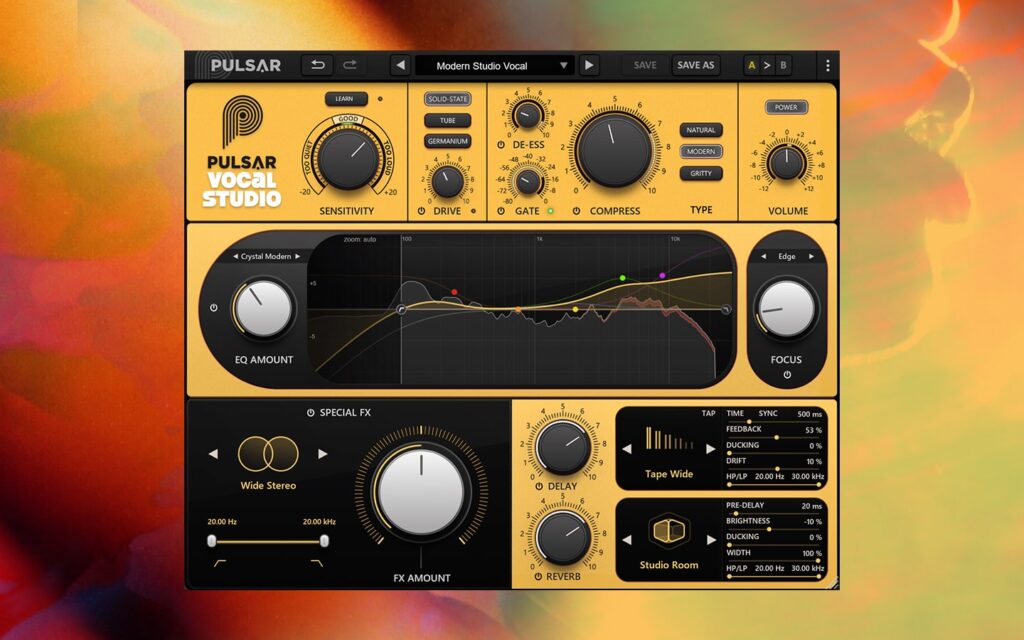
Enjoy a complete trial extension and explore everything you may have missed.
To start your new trial:
Enter your iLok ID in the form beside and click “Deposit trial extension”.
Download the latest installer below or from the product page.
Open iLok License Manager, locate the Vocal Studio “Trial Extension” license, and deposit it to your preferred activation location (iLok, iLok Cloud, or computer).
Enter your iLok ID in the form beside and click “Deposit trial extension”.
Download the latest installer below or from the product page.
Open iLok License Manager, locate the Vocal Studio “Trial Extension” license, and deposit it to your preferred activation location (iLok, iLok Cloud, or computer).
We use cookies to ensure that we give you the best experience on our website. If you continue to use this site we will assume that you are happy with it.